The Console page shows live what your server is doing. It is also where you control it.
Start, restart and stop
There are three buttons at the top of every server page:
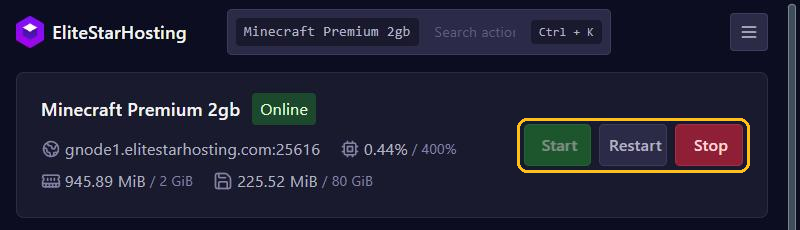
- Start turns your server on.
- Restart stops your server cleanly and starts it again. Use it after installing plugins or changing settings.
- Stop shuts your server down cleanly and saves the world.
Next to the name you see the status: Online, Starting or Offline. Below it are the server address and the current CPU, memory and storage usage.
Using the console
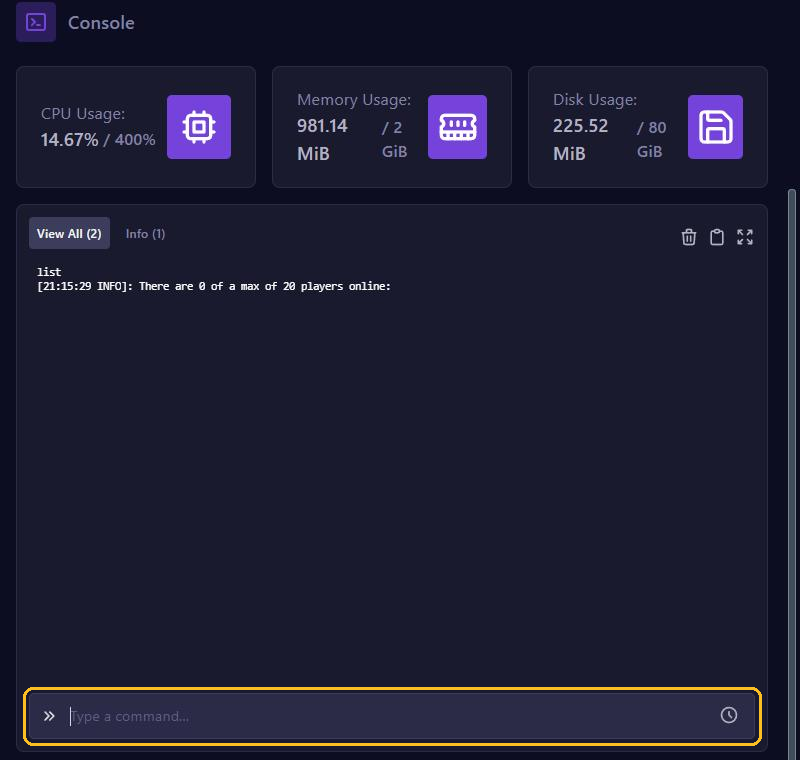
- The large window shows everything your server reports: startup messages, players joining and errors.
- Type a command in the Type a command... field and press Enter. In the console you type commands without the
/, solistinstead of/list. - Use View All, Info, Warning and Error to filter the messages.
- With the buttons at the top right you clear the window, copy the output or open the console full screen. Clearing only empties the view, not your server's log files.
Useful Minecraft commands:
list                   who is online
say Hello everyone     message to all players
op PlayerName          make someone an operator
whitelist add Name     add a player to the whitelist
Starting for the first time: the Minecraft EULA
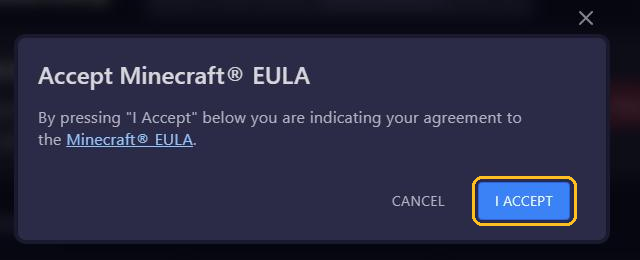
The first time you start a Minecraft server, the panel asks you to agree to the Minecraft EULA. Click I Accept and your server starts.