FiveM's server software is called FXServer, and its versions are called artifacts. A new artifact fixes bugs and is sometimes needed for new scripts or the latest version of GTA V.
Installing the recommended version
- Make a backup of your server first.
- In the game panel, go to Artifacts.
- Click Install next to Latest Recommended.
- Start your server and check the console to see that it starts properly.

Preferably choose the recommended version. It is tested and stable; the very latest version may still contain bugs.
Updating automatically
Startup has two settings for the version:
- AUTO UPDATE: when this is True, your server fetches the latest version itself when it starts.
- FX SERVER VERSION: with
latestyou always get the newest version. Want to stay on one version? Fill in that version like the example below the field and set AUTO UPDATE to False.
Clearing the cache
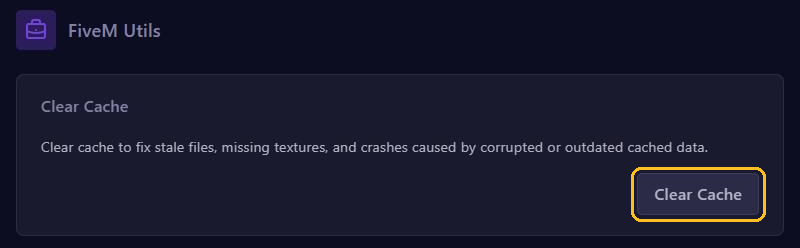
Do players see old or broken textures, is something missing after an update, or does your server crash for no clear reason? Clearing the cache often helps.
- Stop your server.
- Go to Clear Cache in the menu.
- Click Clear Cache.
- Start your server again. The first start takes a bit longer, because the cache is rebuilt.
Your files, resources and database stay as they are: only the temporary files are removed.