The token is what your bot uses to log in to Discord. Whoever has it can take over your bot completely: spam, delete channels or ban members on every server your bot is in. So treat the token like a password.
Where do you find the token?
Open your app in the Discord Developer Portal, go to Bot and click Reset Token. Discord shows the new token once, and the old one stops working from then on. So copy it straight into your .env file.
A token consists of three parts with a dot between them. Do you have a shorter code without dots? Then that is probably the Client Secret, and your bot can't log in with it.
Your token in a .env file
A .env file keeps your token out of your code. This is how you create it on your server:
- In the game panel, go to Files and click New file in the main folder.
- Type one line:
DISCORD_TOKEN=with your token right after it. - Save the file with the name
.env.
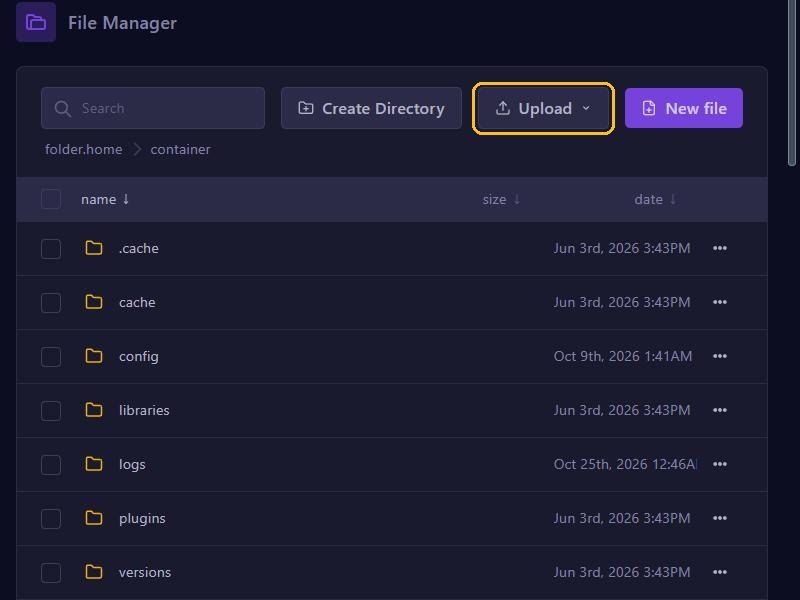
In Node.js you read the token with the dotenv package, in Python with python-dotenv:
require('dotenv').config();
client.login(process.env.DISCORD_TOKEN);
import os
from dotenv import load_dotenv
load_dotenv()
client.run(os.getenv("DISCORD_TOKEN"))Do you see An invalid token was provided (Node.js) or received NoneType instead (Python) when starting? Then check that .env is in the main folder and that the name DISCORD_TOKEN and the token are correct. More about setting up your bot is in the guides for Node.js and Python.
Keep your token out of code you share
- Put
.envin your.gitignore, together withnode_modules. Then Git leaves the file out when you push to GitHub. - Was your token ever in a commit? Then reset it. It stays in your repository's history, even if you delete the file later.
- Don't paste code, log files or screenshots with your token in Discord or on a forum. We never ask for your token either.
- Anyone with access to Files or SFTP can read your
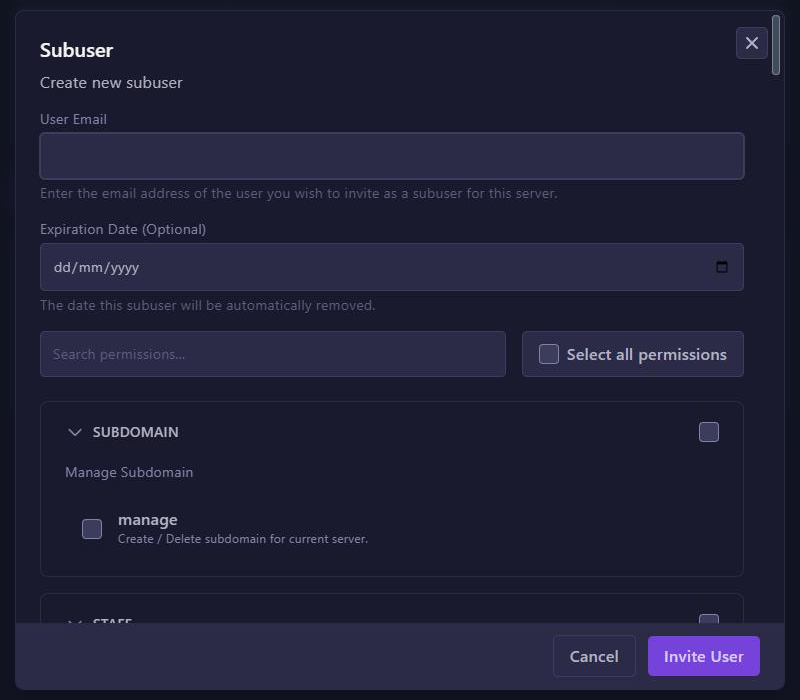
.env. So give subusers only the permissions they really need. The same goes for Startup, where a GIT ACCESS TOKEN may be stored.
Leaked? This is how you reset it
- In the Developer Portal, go to Bot, click Reset Token and copy the new token.
- Open
.envin Files, replace the old token and click Save Content. - Click Restart.
The old token stops working immediately, so whoever had it can no longer use it. Then check your Discord server's audit log to see whether your bot did anything you didn't do. Has your GIT ACCESS TOKEN leaked too? Then revoke it on GitHub and create a new one.