This is how you put a bot in JavaScript with discord.js online day and night. Writing in Python? Then read the guide for Python.
1. Create your bot in Discord
- Go to the Discord Developer Portal, click New Application, pick a name and click Create.
- Open Bot, click Reset Token and copy the token. Discord shows it only once.
- Does your bot read messages, such as
!help? Then turn on Message Content Intent under Privileged Gateway Intents. Welcome messages need the Server Members Intent. - Open OAuth2, go to the OAuth2 URL Generator and tick
botandapplications.commands. Choose under Bot Permissions what your bot may do, preferably not Administrator. - Open the link at the bottom, pick your Discord server and click Authorize.
The token is your bot's password: never share it, not even with us.
2. Prepare your files
A simple index.js:
require('dotenv').config();
const { Client, Events, GatewayIntentBits } = require('discord.js');

const client = new Client({ intents: [GatewayIntentBits.Guilds] });

client.once(Events.ClientReady, (readyClient) => {
  console.log(`Logged in as ${readyClient.user.tag}`);
});

client.login(process.env.DISCORD_TOKEN);
.env holds a single line: DISCORD_TOKEN= followed by your token. Never share that file: this is how you keep your token safe. Run npm install discord.js dotenv on your own computer, so both packages are in your package.json.
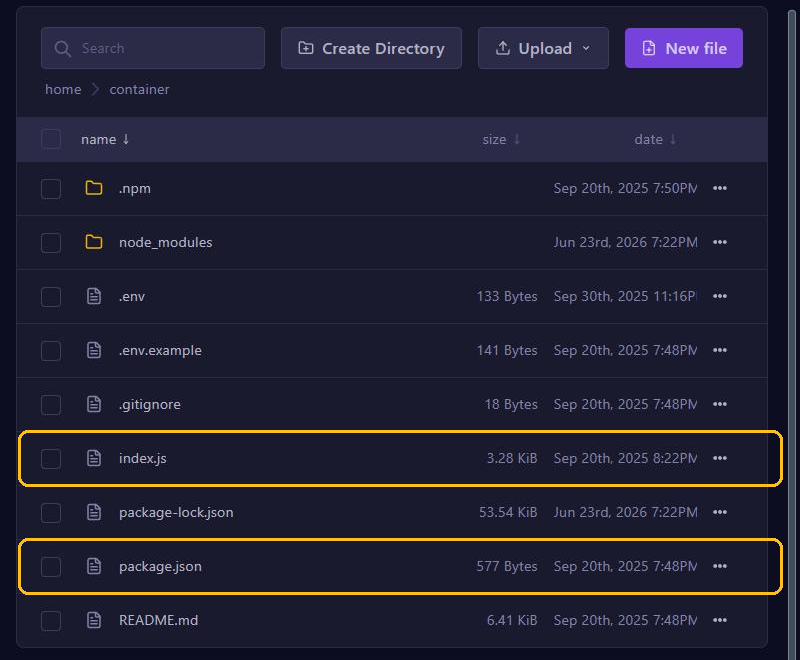
Upload your code, package.json, package-lock.json and .env through Files or SFTP, but not the node_modules folder: it is big and made for your computer. The server installs your packages itself with npm install when it starts.
3. Set up Startup
Go to Startup:
- MAIN FILE: the file your bot starts with, such as
index.jsorsrc/index.js. - ADDITIONAL ARGUMENTS: extra options when starting. Usually you leave this empty.
- Docker Image: the Node.js version. discord.js 14 needs at least Node.js 18. Pick the highest: Nodejs 22.
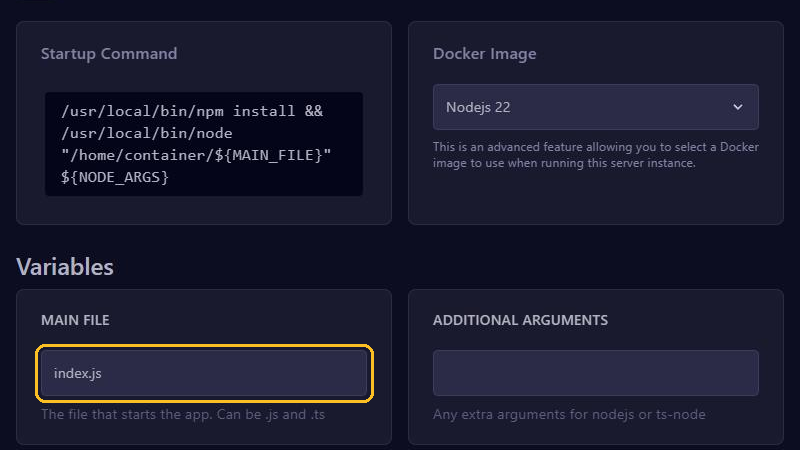
Do you also see GIT REPO ADDRESS? Then set USER UPLOADED FILES to 1, because you upload the files yourself. Nodejs 21 is the highest version there.
4. Start and read the console
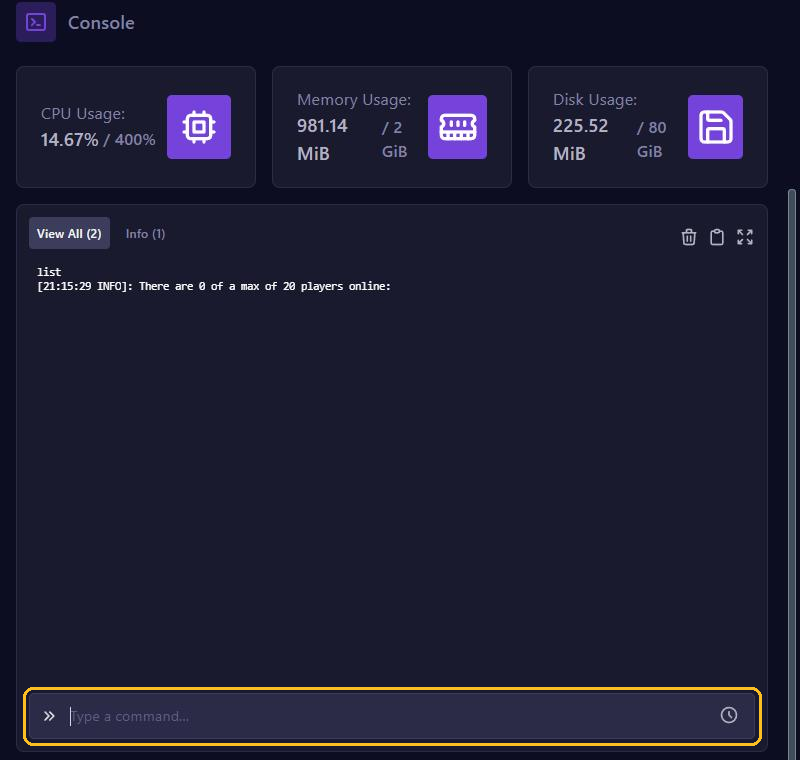
Click Start and open Console. Do you see Logged in as with your bot's name? Then it is online.
Common errors:
Cannot find module 'discord.js': discord.js is missing from yourpackage.json.Cannot find modulewith the name of your own file: MAIN FILE is wrong.An invalid token was provided: the token in.envis wrong or missing.Used disallowed intents: turn on the intent your code asks for in the Developer Portal.
If your bot crashes, the panel starts it again, except after a second crash within a minute. Do you see Out of memory: true? Then your bot needs more memory than your plan offers.
Updating
Upload your changed files and click Restart. New packages from package.json are then installed. Want a restart every night? Use Schedules.
With the fields for GitHub, the server fetches your code itself:
- Make a backup and empty Files: the server only fetches your code into an empty folder.
- Fill in GIT REPO ADDRESS, set USER UPLOADED FILES to
0and AUTO UPDATE to1, so the server fetches your newest code on every start. - Under Settings, click Reinstall Server, and create your
.envagain afterwards.
Is your repository private? Then also fill in GIT USERNAME and GIT ACCESS TOKEN. That token is as secret as a password: give it read access only.