A server in the game panel runs one startup command, so it starts one program: your main file. If you want several bots online, you have two options.
One server per bot
This is the simplest. Each bot gets its own server, with its own memory, its own console and its own Restart button. If one bot crashes, the others keep running. You set up each bot as in the guide for Node.js or Python. What the plans cost is in Host a Discord bot 24/7.
One start file for several bots
You can also make one main file that starts all your bots. Each bot does need its own application and token in the Developer Portal. Put the tokens in .env under different names:
WELCOME_TOKEN=token-of-your-welcome-bot
MUSIC_TOKEN=token-of-your-music-bot
Never share that file: this is how you keep your tokens safe. Also keep this in mind:
- All bots share the RAM and CPU of one plan. If the memory runs out, the whole server stops with
Out of memory: trueand all bots go offline. - The panel only sees your main file. If that stops, through a crash or a Restart, all your bots stop.
Node.js: a launcher with separate processes
Put each bot in its own file in the bots folder, such as bots/welcome.js: a normal bot, but with process.env.WELCOME_TOKEN as its token. Put discord.js and dotenv in the package.json in the main folder, because that is the only one the server installs. Enter launcher.js at MAIN FILE and put the names of your bot files in names:
const { fork } = require('node:child_process');
const readline = require('node:readline');

const names = ['welcome', 'music'];
const bots = {};

function start(name) {
  const startedAt = Date.now();
  const child = fork(`${__dirname}/bots/${name}.js`);
  bots[name] = child;
  child.on('exit', () => {
    if (child.restart || Date.now() - startedAt > 60000) start(name);
    else console.log(`${name} crashed within a minute, not restarting`);
  });
}

names.forEach(start);

readline.createInterface({ input: process.stdin }).on('line', (line) => {
  const [command, name] = line.trim().split(' ');
  if (command !== 'restart' || !names.includes(name)) return;
  bots[name].restart = true;
  if (!bots[name].kill()) start(name);
});
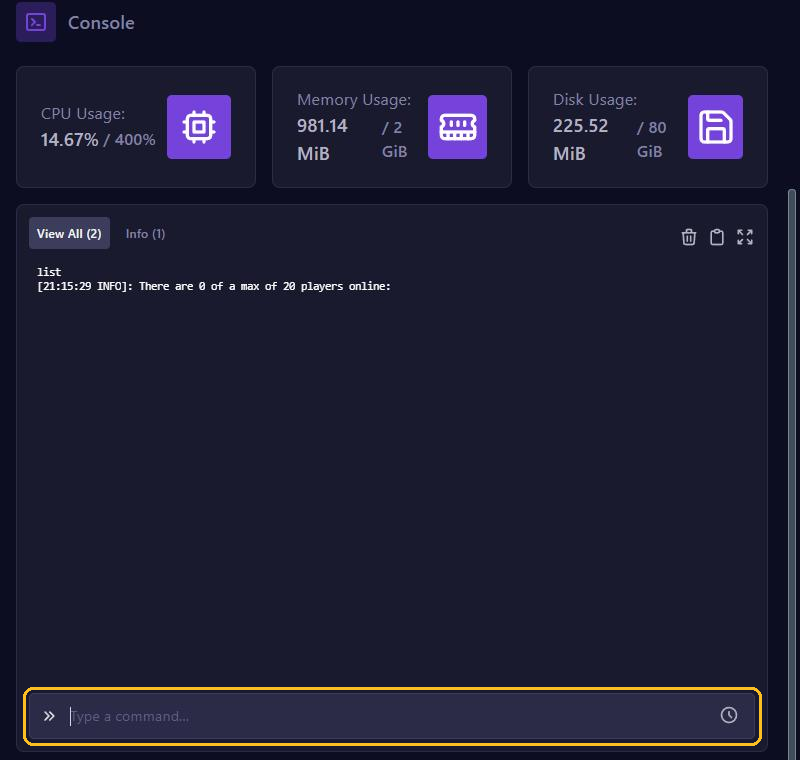
Test the launcher on your own computer first with node launcher.js. Each bot runs in its own process. If one crashes, the launcher starts it again, except after a crash within a minute of starting. That way a broken bot doesn't keep logging in forever: after 1000 logins in 24 hours, Discord resets the token. To restart one bot, type restart welcome in the Console. That also works for a bot the launcher didn't start again. Each process does load its own Node.js, so it costs extra memory.
Lighter is one file with several Client objects, each with its own token. But an error that crashes that process then takes all bots offline.
Python: several clients in one asyncio loop
client.run() starts its own loop, so it only works for one bot. With start(), several bots run in the same loop. Enter for example main.py at APP PY FILE:
import asyncio
import os

import discord
from dotenv import load_dotenv

load_dotenv()

async def run_bot(token):
    client = discord.Client(intents=discord.Intents.default())

    @client.event
    async def on_ready():
        print(f"Logged in as {client.user}")

    async with client:
        await client.start(token)

async def main():
    discord.utils.setup_logging()
    await asyncio.gather(
        run_bot(os.getenv("WELCOME_TOKEN")),
        run_bot(os.getenv("MUSIC_TOKEN")),
    )

asyncio.run(main())
With setup_logging() you see discord.py's messages in the console, something run() otherwise does for you. An error in an event, such as in on_message, shows up as Ignoring exception in on_message and doesn't stop the bots. But if one bot can't log in, the whole program stops, and with it all bots. Restarting one bot separately isn't possible here: Restart starts them all again.