A hacked FiveM server often starts with a script from an untrustworthy source. Here's how to prevent that, and how to clean up if it happens anyway.
Why leaked scripts are dangerous
A leaked script is a paid script that is shared for free without permission. Such copies often contain a backdoor: hidden code that lets a stranger:
- run commands on your server and give themselves admin rights, money or items;
- read your server.cfg, including your license key and your database password;
- spread the code to your other resources.
So only get scripts from the maker, the Cfx Marketplace or the Releases on the Cfx.re forum. Buy paid scripts through the Cfx Marketplace or Tebex: Cfx.re doesn't allow other ways of selling. See also Get paid FiveM scripts (escrow) working.
The message "contains prohibited logic"
FiveM blocks resources in which it recognises malicious code. You or your players then see a message such as Resource myscript contains prohibited logic. According to Cfx.re, this is code that can infect other resources or spoils the game for players.
The resource it names is not always the source, because infected code spreads. So follow the steps below.
Think your server is infected?
Other signs: unknown admins in txAdmin, strange lines in your server.cfg or players who suddenly have money or admin rights. Then do this:
- Stop your server.
- Make a backup under Backups with Create backup and turn on Locked, so your settings are kept. Never restore it as a whole.
- Under Databases, click Database Details and then Rotate Password. Put the new password in your
mysql_connection_string. - Create a new license key and renew other keys from your server.cfg, such as your Tebex key.
- Remove unknown admins under Admins in txAdmin and unknown lines from your server.cfg.
- Reinstall FXServer under Artifacts and then click Clear Cache.
- Delete your resources and put them back one by one from the original download. Start your server after each script and check the console.
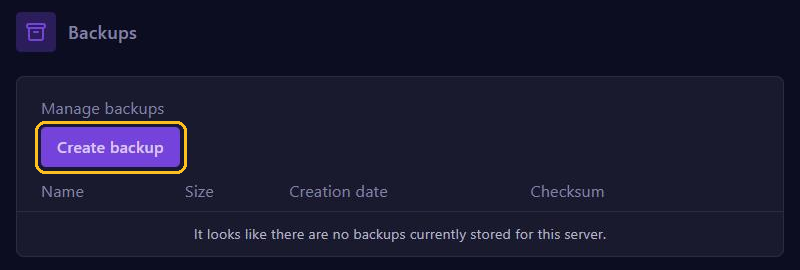
Are you sure an older backup is from before the infection? Then restore it after step 2, instead of steps 6 and 7. Your database is not in a backup.
Settings that protect your server
ScriptHookV Allowed is a switch in the server.cfg editor. You add the other settings from the FiveM documentation with Manual Edit, above the ensure lines. See also Advanced server.cfg settings.
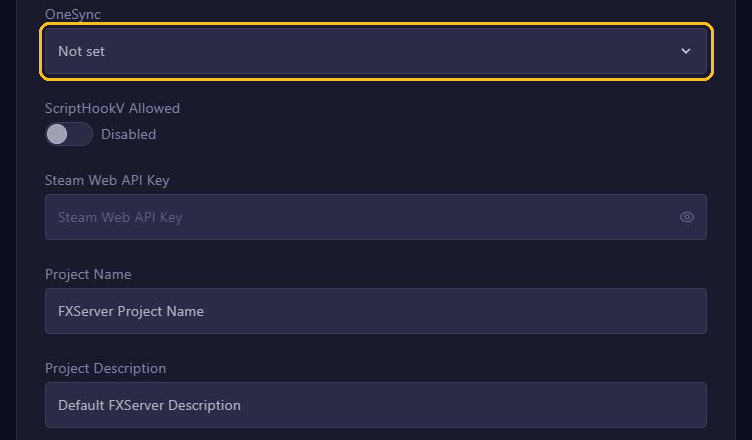
- ScriptHookV Allowed (
sv_scriptHookAllowed): leave this on Disabled. When on, it lets in players with Script Hook V, who use it for plugins such as the old Lambda Menu. Cfx.re advises against it: it makes your server vulnerable. sv_pureLevel: blocks modified game files on your players' side.1still allows audio files and known graphics mods,2allows nothing.sv_entityLockdown: withrelaxed, scripts on the player's side can no longer create cars or objects; withstrict, the player's game can't create anything. Test this first, because scripts that spawn things that way stop working.rcon_password: without this line, RCON, remote administration, is off. Keep it that way: you already have the console and txAdmin.sv_endpointPrivacy true: hides your players' IP addresses in your server's public information.
An example:
sv_pureLevel 1
sv_endpointPrivacy true
If a line is already there, only change its value. Click Save and restart your server.
In Manual Edit you also see your license key in plain text. Never take a screenshot of it and never share it.