Want a creative world, a lobby or a minigame world next to your survival world? The Multiverse-Core plugin runs several worlds on one Minecraft server, and players switch worlds with a single command. Multiverse works on a server type with plugins, such as Paper or Purpur.
Installing Multiverse-Core
- Open your server in the game panel and go to Plugins.
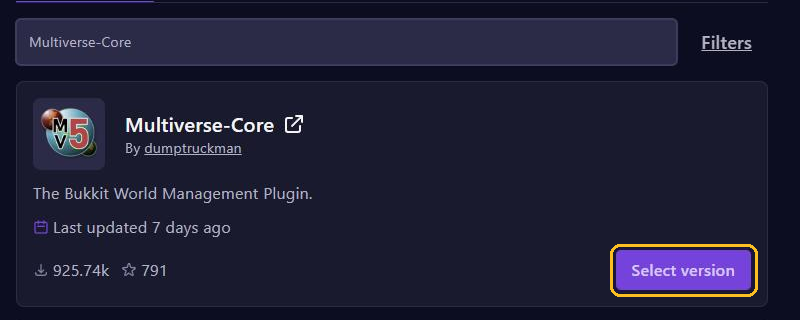
- Search for
Multiverse-Coreand click Select version on the plugin by dumptruckman. - Pick a version that matches your Minecraft version, click Install plugin and restart your server.
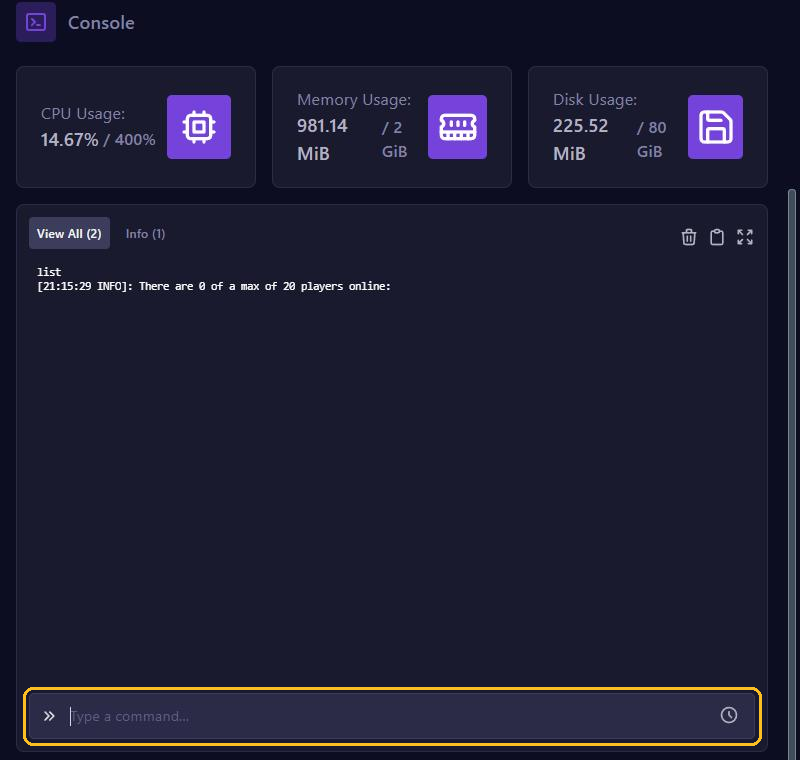
You type the commands below in the game with a / in front, or in the console without the /.
Creating a new world
mv create creative normalThis creates a world called creative. Don't use spaces in the name. In place of normal you choose the kind of world: normal, nether or the_end. You can add options after it:
--seed 123456for a seed of your own.--world-type flatfor a flat world. Other choices areamplified,large_biomesandnormal.
So you create a flat creative world with mv create creative normal --world-type flat.
Switching worlds
/mv tp creativetakes you to the worldcreative.mv tp Steve creativesends the player Steve there, from the console too.mv listshows all worlds, including your main world (usuallyworld) with its Nether and End.mv info creativegives the details of one world.
Standing in the game where players should appear? Then type /mv setspawn. /mv spawn takes you to the spawn of the world you are in.
Settings per world
mv modify changes a world. This puts everyone in creative in creative mode automatically:
mv modify creative set gamemode creativeDon't want players to carry items from one world to another? Then also install Multiverse-Inventories, in the same major version as Multiverse-Core. It gives worlds an inventory of their own.
Permissions for players
Operators can do everything. To teleport, regular players need a general permission plus one permission per world. With LuckPerms you give them like this:
lp group default permission set multiverse.teleport.self.w true
lp group default permission set multiverse.teleport.self.w.creative true
Where are the worlds?
On Paper 26.1 and newer, an extra world lives inside the folder of your main world, for example world/dimensions/minecraft/creative. On older versions and on Spigot, each world gets a folder of its own in your server's main folder. A backup includes all your worlds.
Have a world folder that Multiverse doesn't know yet? Put it in the same place and add it with mv import myworld normal, with the folder name and the kind of world. The world must have been made on the same Minecraft version as your server.
Removing a world
mv unload creativeturns a world off for a while.mv load creativebrings it back.mv remove creativetakes the world out of Multiverse, but the folder stays.mv delete creativedeletes the world, folder and all. Then typemv confirmwithin 30 seconds, with the code after it if Multiverse asks for one.
If players are still in that world, Multiverse refuses. Then add --remove-players. Make a backup before you delete anything.