With TAB by NEZNAMY you decide what players see when they press Tab: text above and below the player list, ranks in front of names and the order. TAB also handles the nametags above heads and a scoreboard on the side. With PlaceholderAPI you show data from other plugins in these. Both work on Paper and Purpur.
Installing
- Open your server in the game panel and go to Plugins.
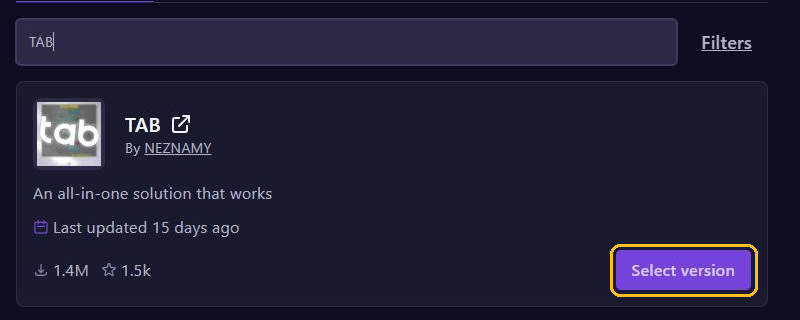
- Search for
TABand click Select version on TAB by NEZNAMY. - Pick the version for your Minecraft version and click Install plugin.
- Install PlaceholderAPI the same way.
- Restart your server.
In November 2026, TAB 6.2.1 and PlaceholderAPI 2.12.3 support up to Minecraft 26.3. On 1.20.5 up to 1.21.4, pick the TAB version with those version numbers in its name. See also Install plugins.
Where are the settings?
The settings are in the folder plugins/TAB:
config.yml: the text above and below the list, the order and the scoreboard.groups.ymlandusers.yml: prefixes per group and per player.
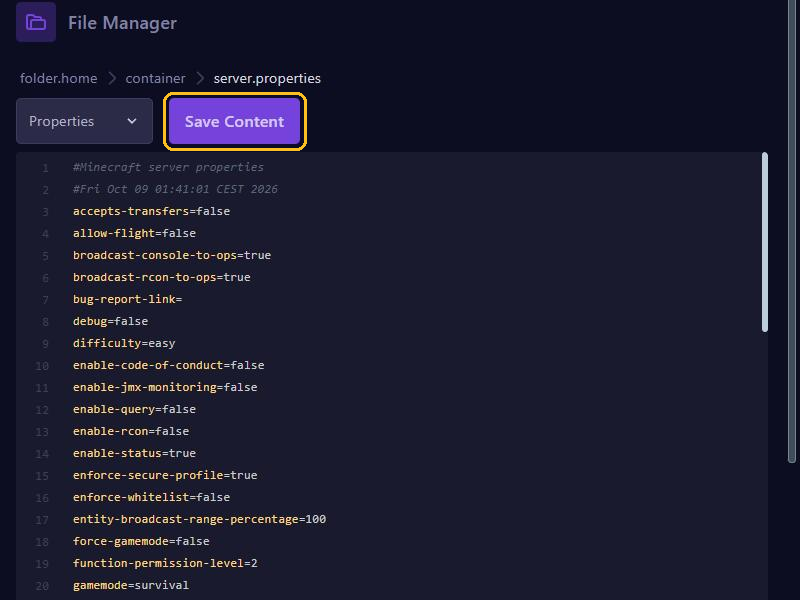
Open a file in Files, change it and click Save Content. Then type tab reload in the console, or /tab reload in the game.
Ranks from LuckPerms
In groups.yml, _DEFAULT_ already contains %luckperms-prefix%. So the prefix you set with LuckPerms appears in front of the name in the tablist and nametag right away. Want something different in the tablist than in the chat? Then give the group its own tabprefix in the console, or tagprefix for the nametag:
tab group admin tabprefix "&c&lADMIN &r"Use the same group names as in LuckPerms. You set the order in config.yml under sorting-types, for example "GROUPS:admin,moderator,vip,default". Is someone in several groups? Then give the groups a weight, such as lp group admin setweight 100. The group with the highest weight counts.
Text above and below the list
In config.yml, under header-footer, you find the design default, with header (above the player list) and footer (below it). Replace Server name with your own name and add your Discord, for example. Placeholders such as %online% and %ping% work here too.
Placeholders from PlaceholderAPI
TAB has placeholders of its own, such as %online%, %ping%, %world% and %tps%. For everything else you use PlaceholderAPI. Its placeholders come in add-ons (expansions) that you download in the console:
papi ecloud download Server
papi ecloud download Statistic
papi reload
Test a placeholder in the game with /papi parse me %server_uptime%. If you get the placeholder itself back, the expansion is missing. Download doesn't work? Then upload the .jar file from ecloud.placeholderapi.com in Files to plugins/PlaceholderAPI/expansions and type papi reload.
Want the LuckPerms prefix in another plugin, such as a hologram? Then download the LuckPerms expansion and use %luckperms_prefix%. In TAB itself, %luckperms-prefix% works without PlaceholderAPI.
A scoreboard on the side
The scoreboard is off by default. In config.yml, under scoreboard, set enabled to true. Players on Java 1.20.3 and newer see the design scoreboard-1.20.3+, so change title and lines there. The text goes left of ||, the value right of it:
      lines:
        - "&eOnline&7:||%online%"
        - "&eKills&7:||%statistic_player_kills%"
        - "&eUptime&7:||%server_uptime%"
At most 15 lines fit on the screen. With /sb a player turns the scoreboard on or off. That needs the permission tab.scoreboard.toggle.
Tips
- Want to show a percent sign? Type
%%. - Use only one plugin for the tablist and nametags. TAB blocks changes from other plugins.