Many FiveM servers restart a few times a day. That way your server always starts clean and loads changed scripts and settings again. Set up those restarts in txAdmin: your players then get a warning first.
Setting fixed restart times
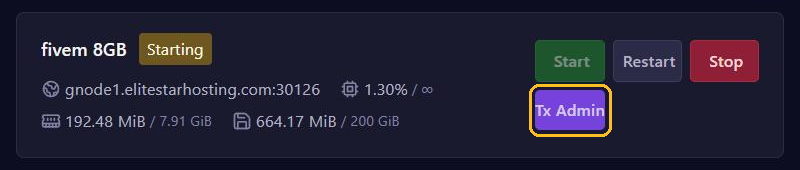
- Click Tx Admin at the top of your server page in the game panel and log in.
- Go to Settings and open the FXServer tab.
- Next to Restart Schedule, click + and enter a time in 24-hour format, such as
06:00. Repeat this for every time you want. - Click Save FXServer Settings.
If no time is set yet, you can also pick a preset: 1x/day, 2x/day, 3x/day or 4x/day. With 2x/day, for example, your server restarts at 00:00 and 12:00.
Mind the time zone: the times follow the server's clock, not your computer's. If the two differ, txAdmin shows a warning with the server's time zone. Convert your times accordingly.
What your players notice
Before every scheduled restart, players get a warning in the game: 30, 15, 10, 5, 4, 3, 2 and 1 minute beforehand.
Have you set up the txAdmin Discord bot with a Warnings Channel ID, on the Discord tab under Settings? Then the same warnings also appear in that Discord channel.
Prefer a warning of your own, for example from a script? Then turn on Hide Scheduled Restart Warnings on the Game tab, so players don't get the warning twice.
Planning an extra restart or skipping one
In the bar on the left in txAdmin, Next Restart shows when your server restarts next. You also find these buttons there:
- Schedule Restart: plan one extra restart. Enter
+15for 15 minutes from now, or a time such as23:30. If a restart is already planned, this button is called Edit. - Cancel: skip the next restart. Enable turns it back on.
An extra restart has to fall before the next fixed restart. If you change the fixed times, an extra restart and a skipped restart are cleared again.
When you restart or stop your server yourself through txAdmin, txAdmin skips a fixed restart that would happen within 2 hours.
After a crash, txAdmin restarts your server itself
If your server crashes or freezes, txAdmin starts it up again by itself. Does that happen often? Then check the console to see which script causes the error.
txAdmin for restarts, Schedules for backups
With Schedules in the game panel you can also run tasks at set times. For a FiveM server, use:
- txAdmin for restarts. Your players get a warning and txAdmin itself keeps running.
- Schedules in the game panel for backups, with the Create backup task.
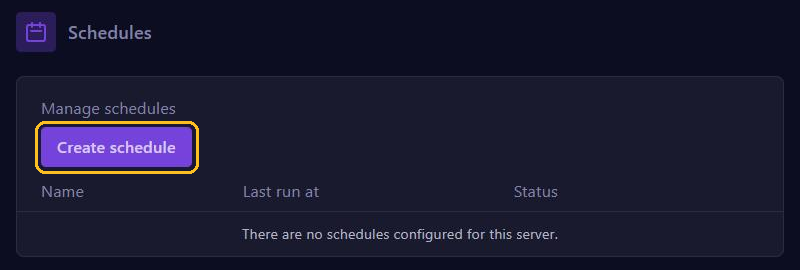
A Restart from the game panel restarts the whole server, txAdmin included, and without a warning for your players. So don't create a restart schedule in the game panel if txAdmin already restarts your server.
Plan a backup at a different moment than a restart, for example fifteen minutes before. A backup contains your server files, not your database.