WorldGuard lets you create protected areas on your Minecraft server, called regions. Only players you add can build there. On top of that, you set rules per region, such as no PvP or no creeper damage. Handy for your spawn, a shopping street or an arena.
WorldGuard works on a server type with plugins, such as Paper or Purpur, and needs WorldEdit to select areas.
Install WorldGuard and WorldEdit
- Open your server in the game panel and go to Plugins.
- Search for
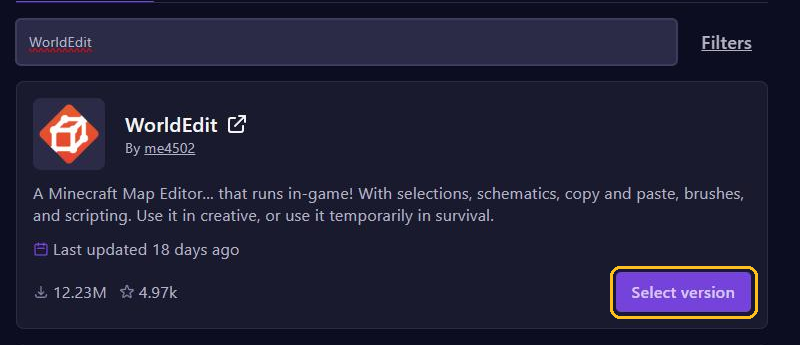
WorldEdit, click Select version, pick a paper version for your Minecraft version and click Install plugin. - Do the same for
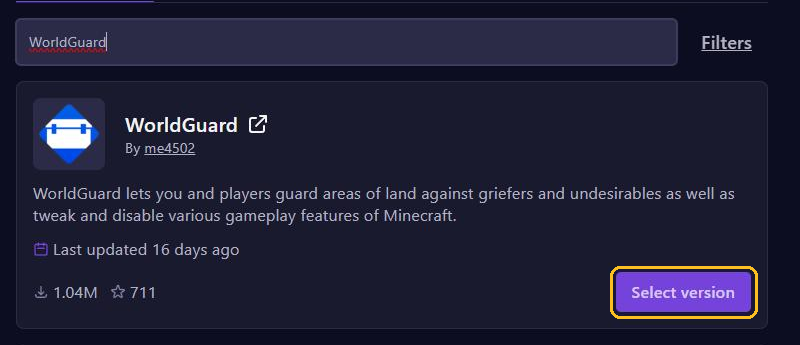
WorldGuard. - Restart your server.
Pay attention to the WorldGuard version: not every version works on every Minecraft version. There is more about this in Install plugins.
To use the commands, you need to be an operator or have the worldguard.* and worldedit.* permissions, for example through LuckPerms.
Create a region
- Type
//wandin the chat. You get a wooden axe. - Left-click a block in one corner of the area and right-click a block in the opposite corner. You can also stand on a corner and type
//pos1and//pos2. - Should the region reach higher or deeper? Grow the selection with, for example,
//expand 50 upand//expand 30 down. - Type
/rg define spawn.
Your region is now called spawn. From now on, only members and owners can build there.
Who may build?
/rg addmember spawn Steve
/rg addowner spawn Alex
/rg addmember spawn g:builders
Putting g: in front of the name adds a whole group, for example a group from LuckPerms. Members and owners can both build; owners can also use more commands for the region. You remove people with /rg removemember and /rg removeowner.
Rules with flags
Flags decide what is allowed per region:
/rg flag spawn pvp deny: no PvP./rg flag spawn tnt deny: TNT doesn't explode./rg flag spawn creeper-explosion deny: creepers don't break anything./rg flag spawn mob-spawning deny: no mobs spawn./rg flag spawn greeting Welcome to spawn!: a chat message when you walk into the region.
You remove a flag by leaving out the value, like /rg flag spawn pvp. /rg flags spawn shows all flags of a region. Better leave the build flag alone: who builds is something you control with members.
Rules for the whole world
Every world has a global region, __global__. It applies everywhere and has the lowest priority. Want no PvP anywhere? Type /rg flag __global__ pvp deny. Your own regions always come first.
Overlapping regions
When two regions overlap, a player has to be a member of both to build. Should one region win? Give it a higher priority, for example /rg setpriority shop 10. Every region starts at 0. /rg list shows all your regions and /rg info spawn the details of one region.
WorldGuard or spawn-protection?
Minecraft itself also has spawn-protection in server.properties. It only protects a square around the spawn point against players who aren't operators. With WorldGuard you choose the shape, who builds and which rules apply. If you use WorldGuard for your spawn, set spawn-protection to 0.
Do players want to protect their own land? Then GriefPrevention is a better fit. And if something does get wrecked, roll it back with CoreProtect.