An SMP (survival multiplayer) is a survival world you play in together with friends. Go through this list from top to bottom, preferably before you start building. Every step links to the full guide.
1. Server type
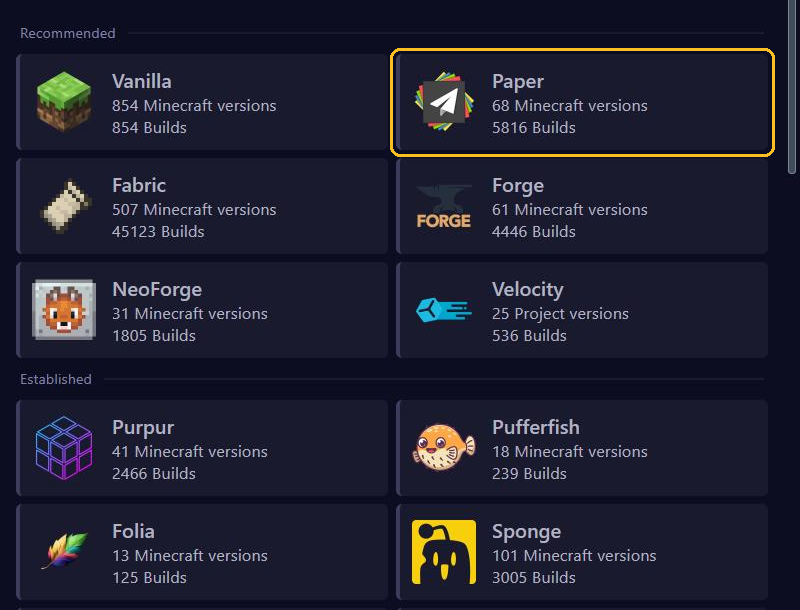
Under Versions, choose Paper: fast, and all plugins in this list work on it. Rather have mods? Then choose Fabric or NeoForge. Plugins don't work there, but part of this list also exists as a mod, such as LuckPerms and Simple Voice Chat. See Which server type should you choose?
2. Version
Choose a version all your friends can play, and check that your plugins support it. Minecraft 26.1 and newer needs Java 25: pick it under Startup at Docker Image. See Change your Minecraft version or server type. Does someone play a different version? Then ViaVersion helps.
3. Whitelist and operators
- Put your friends on the whitelist with
whitelist add Nameand turn it on withwhitelist on. - Only make yourself an operator:
op YourName. - Friends on Bedrock through Geyser are added with
fwhitelist add Name, see Geyser and Floodgate.
More in Operators, whitelist and bans. Does a friend help manage the server in the panel? Then make them a subuser, so you don't have to share your password.
4. Backups and schedules
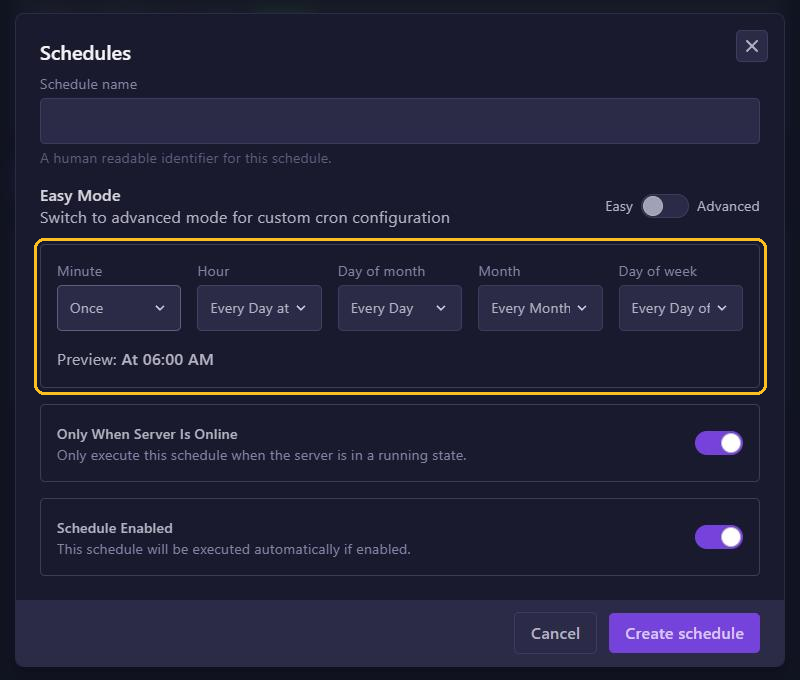
Make a backup before every big change. Also have one made every night with a schedule that has the Create backup task, see Schedules. Download important backups to your own computer.
5. Protection
- CoreProtect keeps track of who does what, and rolls back griefing.
- GriefPrevention lets friends claim their own land with a golden shovel.
- Rather protect areas yourself, such as the spawn? Then use WorldGuard.
6. Essentials
EssentialsX gives you homes, /tpa, /back, warps and kits. That guide also explains which version goes with your Minecraft version.
7. Permissions
With LuckPerms you give the default group exactly the permissions your friends need, such as essentials.home and essentials.tpa. That way nobody has to be an operator.
8. Voice chat
Simple Voice Chat needs a port of its own, and every player installs the mod in their own Minecraft.
9. World border and pre-generation
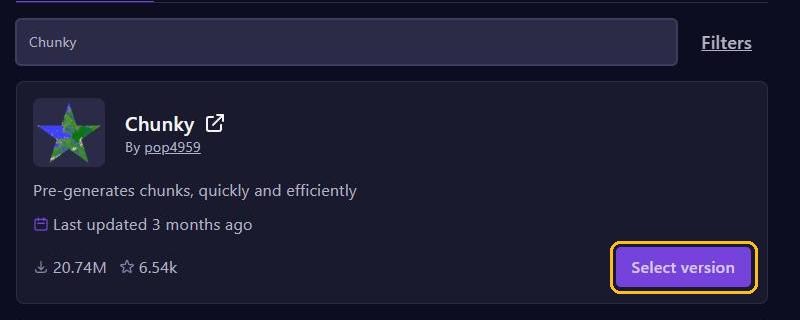
Set a world border, for example worldborder set 10000. Then let Chunky generate the world inside that border before you start, see Pre-generate your Minecraft world with Chunky. That way nobody gets lag when you explore new land.
10. Rules and Discord
- Put your rules in
plugins/Essentials/rules.txt. Players read them with/rules, if they have theessentials.rulespermission. - Also put the rules on a hologram at the spawn.
- Link the chat to a Discord channel with DiscordSRV.
11. Performance
Measure with spark tps in the console whether the server keeps up. If needed, lower view-distance and simulation-distance, and schedule a daily restart. See Fix Minecraft server lag and Set up Paper for performance.
Extra
- An easy address without a port: a free subdomain.
- Keep items after dying, or one sleeper enough for the night: game rules.